
Define what the barcode uniquely identifies
The system should complete this step with stable weight capture, clear operator feedback and an auditable result.
To print a barcode label from a weighing scale, capture a stable reading, create a unique transaction ID, combine it with product and batch data, render an approved label, and verify the printed code with the scanners used downstream.
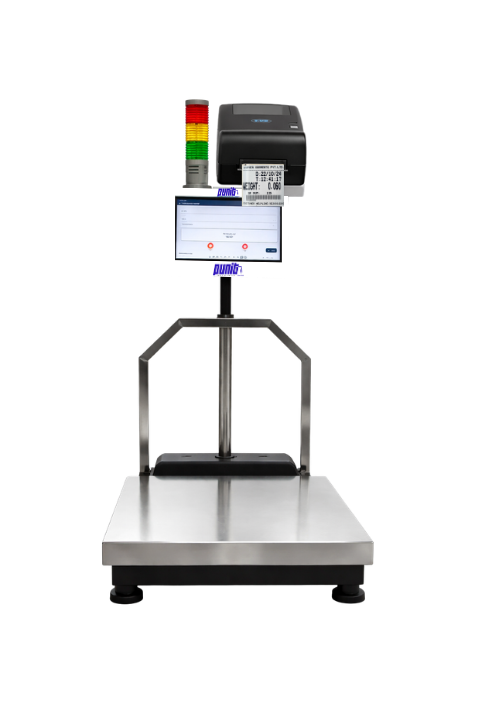
Start with the operational outcome. Hardware selection follows the material, handling method and data journey.
Each step is controlled, visible and designed around the operator.
Read and validate stable weight
Create the transaction in software
Generate the unique barcode value
Render and print the label
Scan-test and apply it to the material
Final values depend on the actual material, operating environment and required integration.
| Recommended identity | Unique transaction or package ID |
|---|---|
| Common format | Code 128 for compact alphanumeric IDs |
| Print quality | Adequate resolution, contrast and quiet zone |
| Verification | Test with production scanners and label material |
| Traceability | Resolve the code to a stored auditable record |
Use a readable layout and a stable transaction identity. Print only the fields operators and downstream systems genuinely need.
Customer-supplied photographs of live printed output across industries. These examples show how how to print barcode label from weighing scale can carry the fields each factory actually needs—not a fixed generic label.
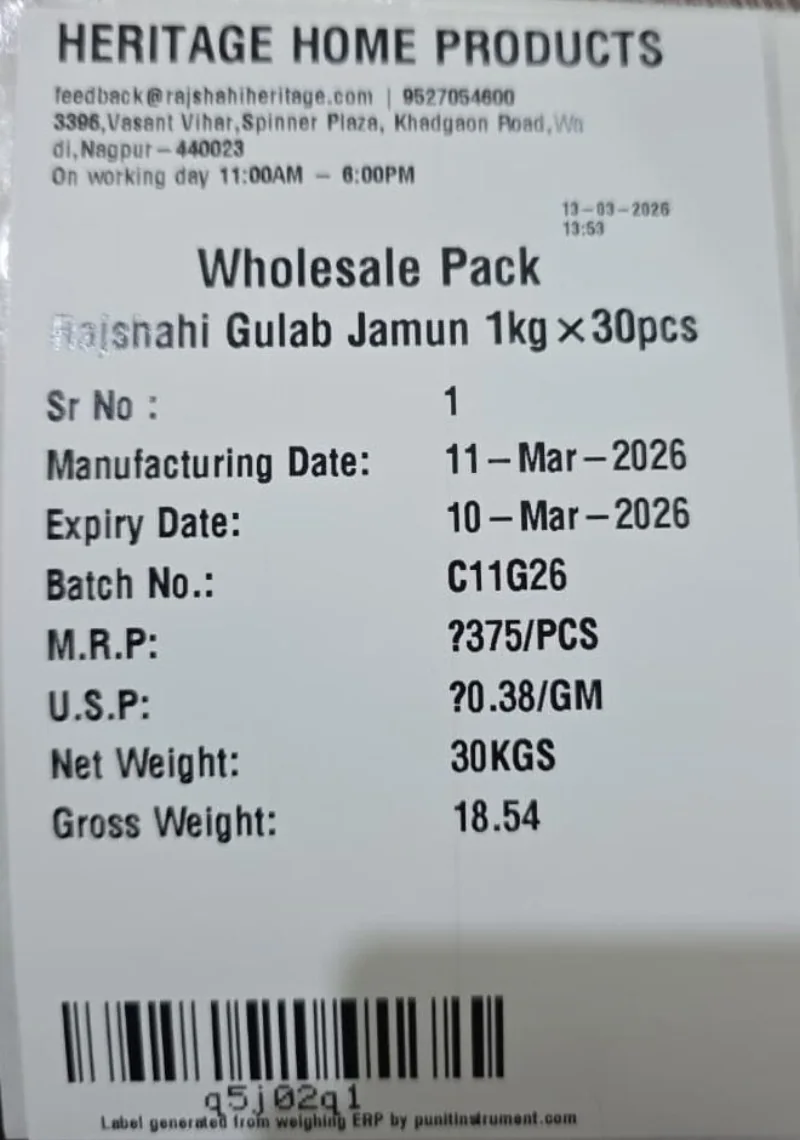
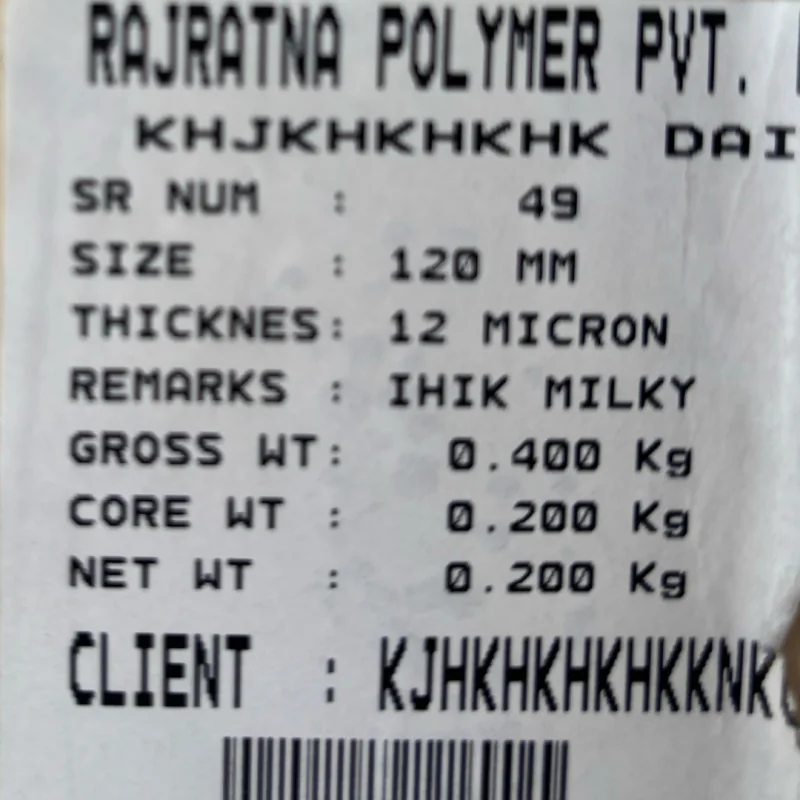
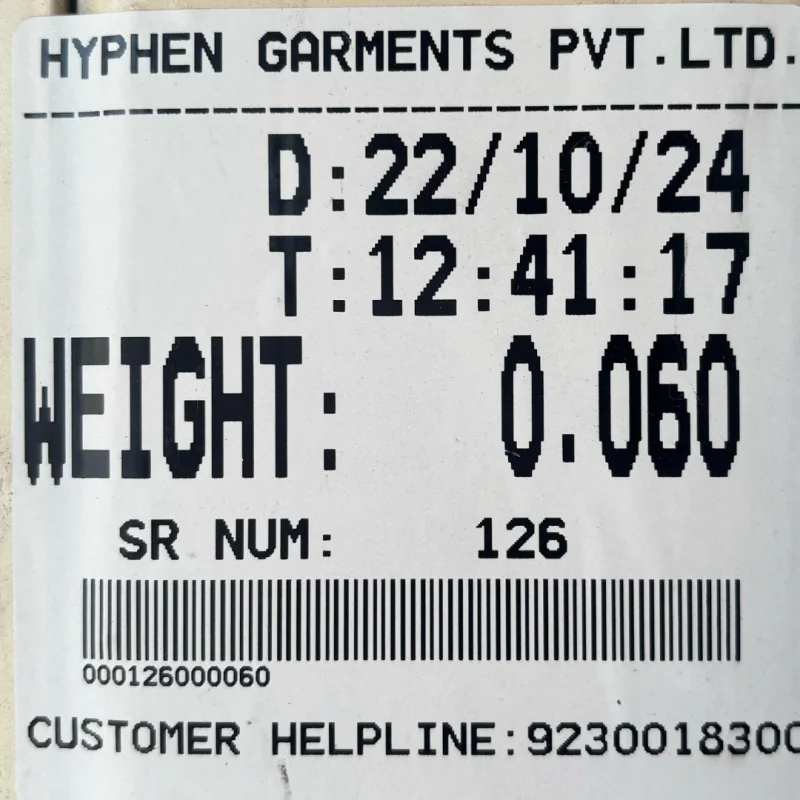
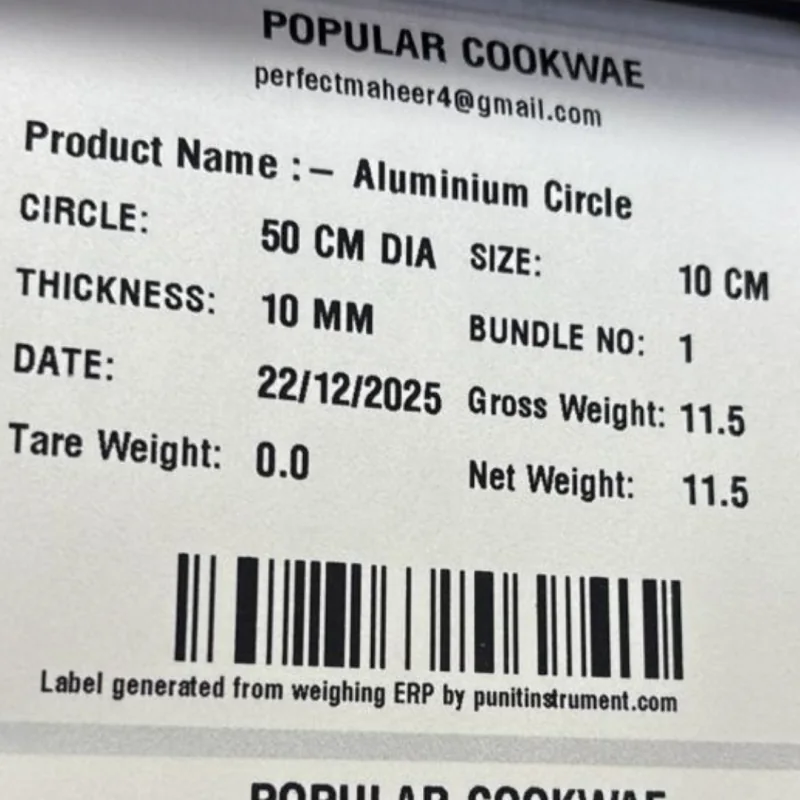
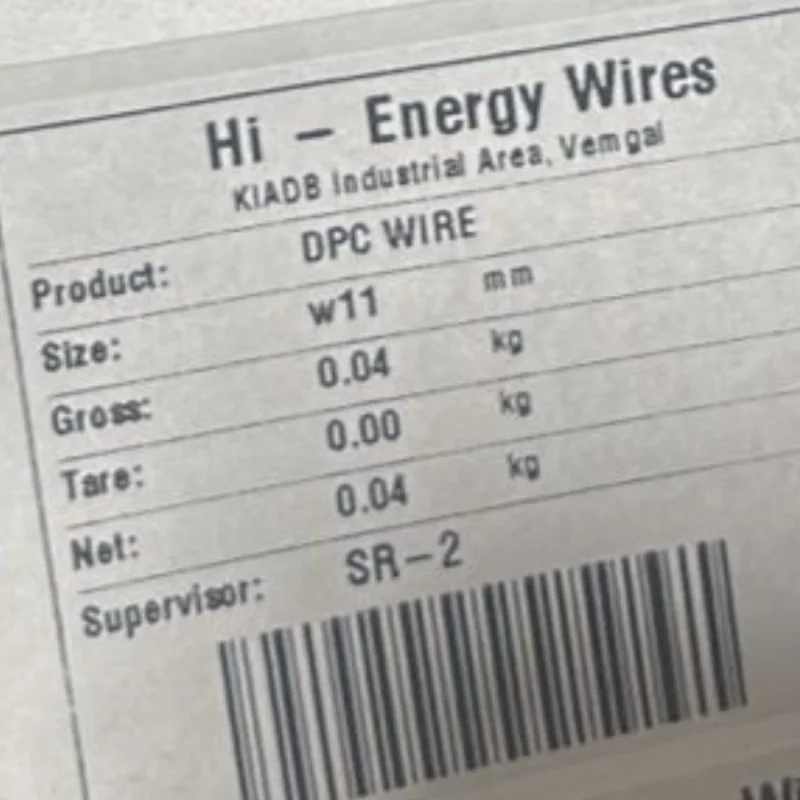
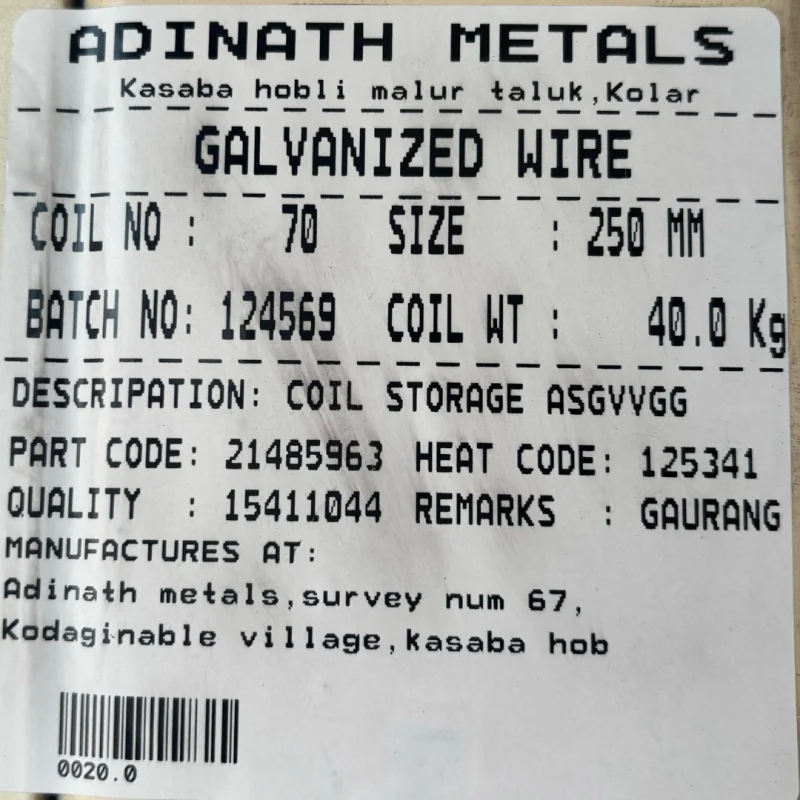
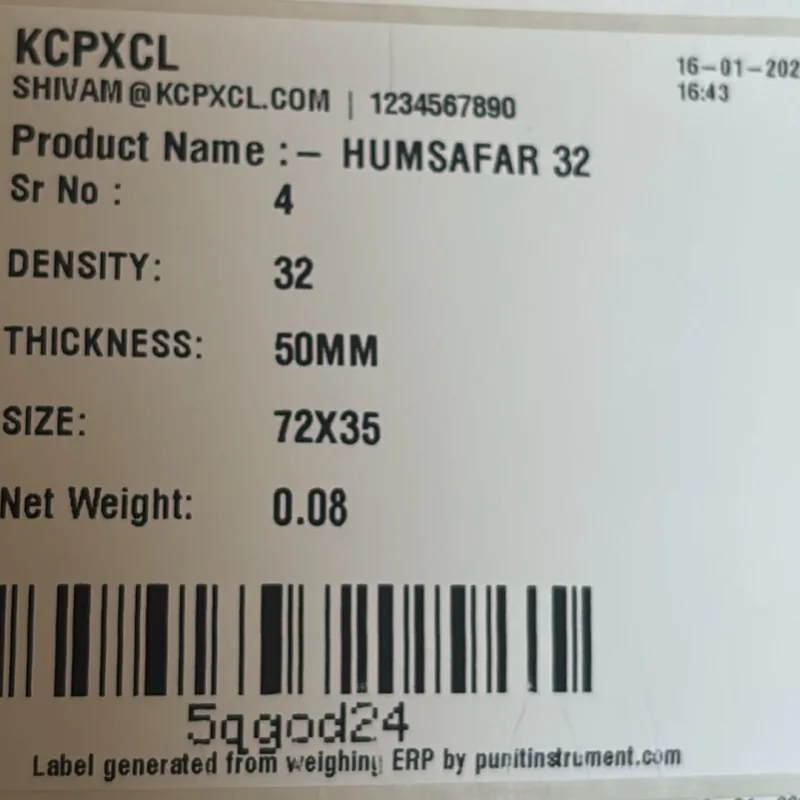
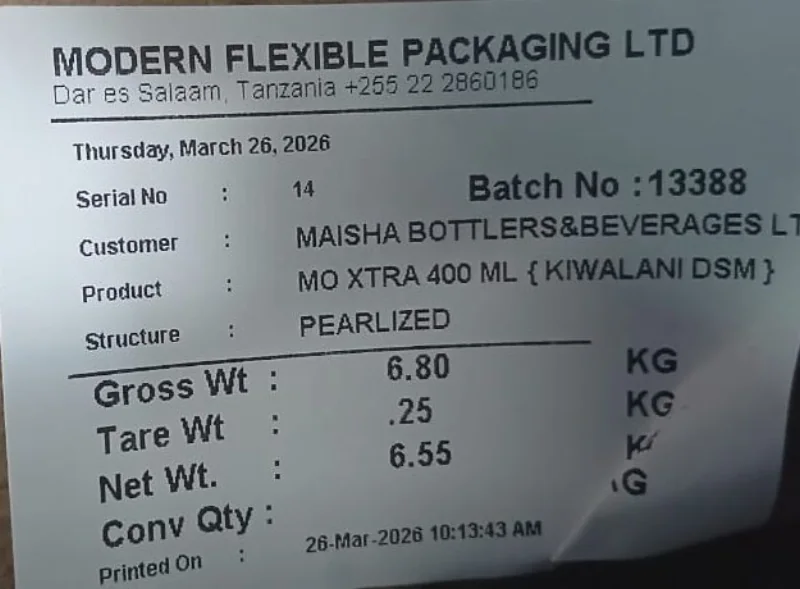
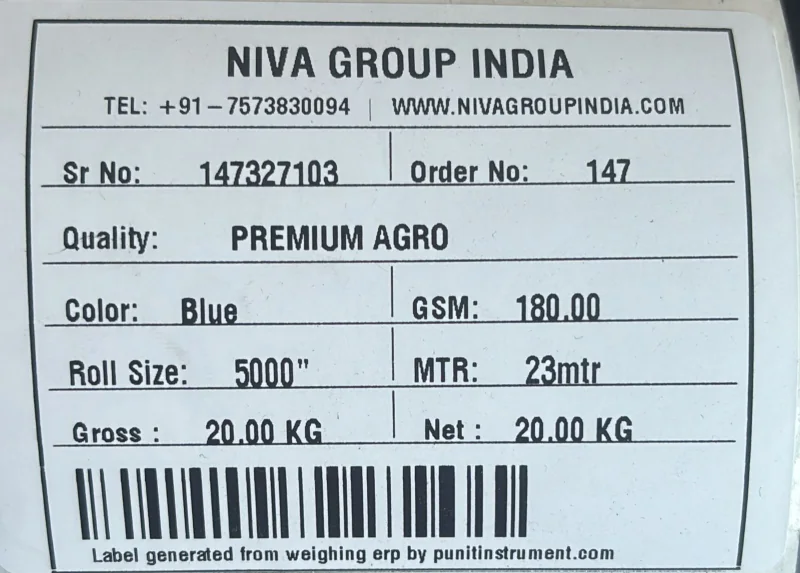
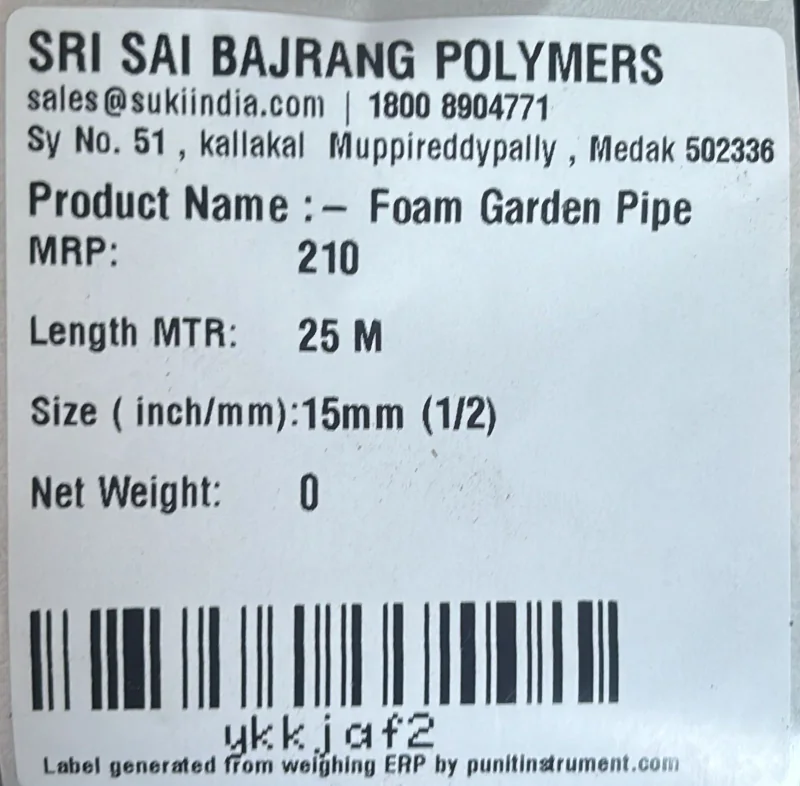
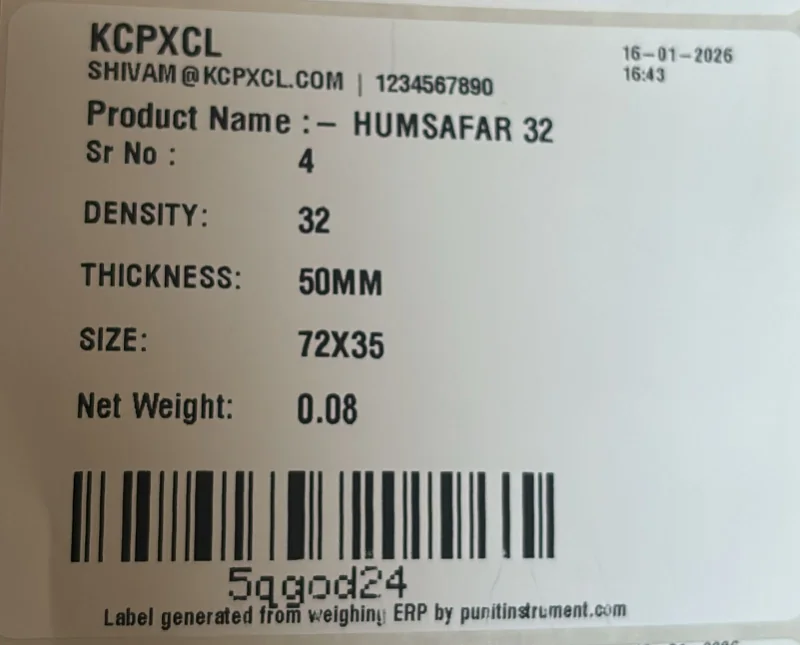
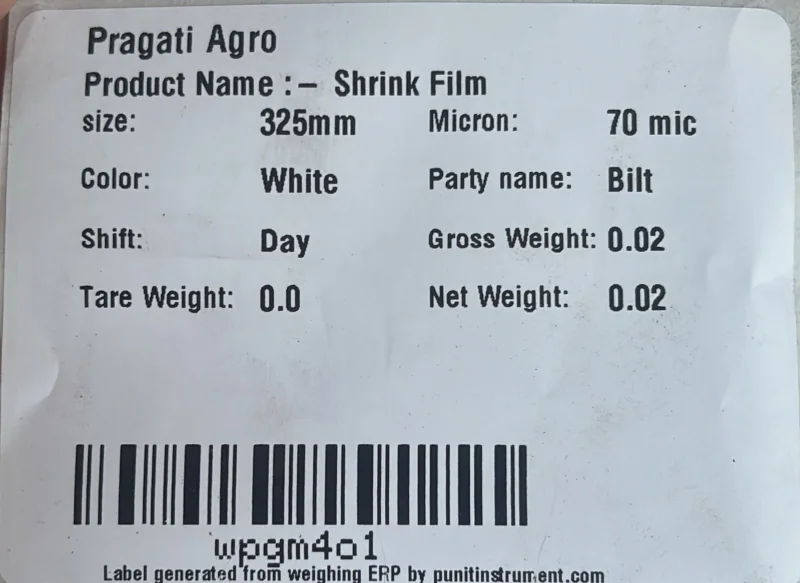
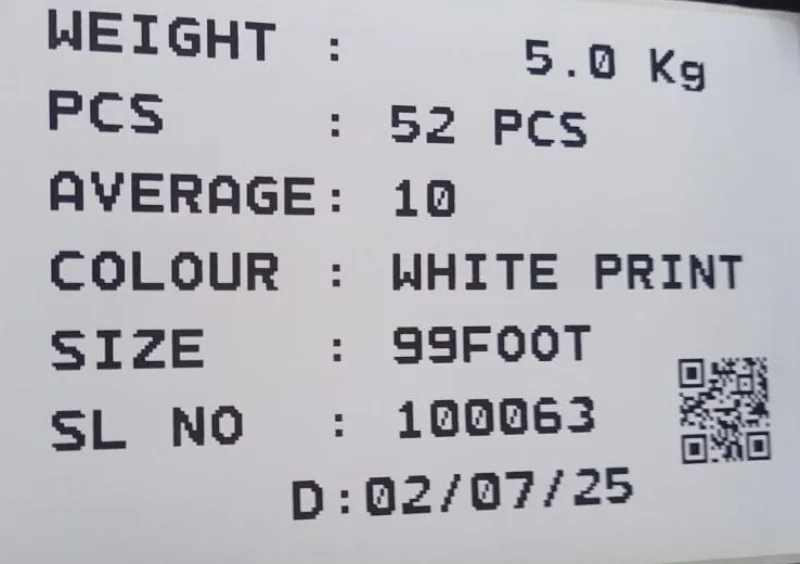
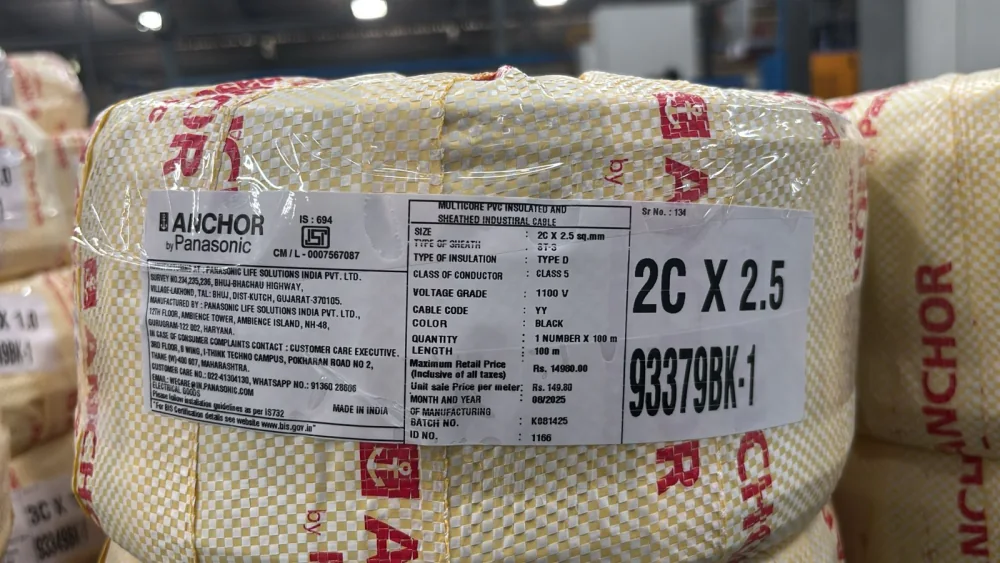
Real printed samples supplied by Punit. Customer names and fields appear as printed; final label size, layout, barcode type and data fields are configured for each approved application.
A short, durable identity is easier to scan and govern. Keep the authoritative weight and business record in the database; print essential human-readable fields so the material remains understandable if a scanner is unavailable.
Features are selected for this page's buying intent—not copied as a generic list.
The system should complete this step with stable weight capture, clear operator feedback and an auditable result.
The system should complete this step with stable weight capture, clear operator feedback and an auditable result.
The system should complete this step with stable weight capture, clear operator feedback and an auditable result.
The system should complete this step with stable weight capture, clear operator feedback and an auditable result.
The system should complete this step with stable weight capture, clear operator feedback and an auditable result.
The system should complete this step with stable weight capture, clear operator feedback and an auditable result.
Final values are confirmed in the quotation after reviewing the application.
Last technically reviewed 18 July 2026 · Product scope is confirmed in the final quotation.
Approximately 30 years of experience reviewing weighing capacity, platform, loading, installation and Legal Metrology considerations.
Approximately six years of experience reviewing Punit ERP, printing, inventory, inward, dispatch and connected weighing workflows.
See the complete Punit system in operation: live weight capture, touchscreen controls, product details and printed output. Use the video to understand the hardware before requesting a configuration for how to print barcode label from weighing scale.
Seven intent-specific answers for buyers evaluating this exact requirement.
Yes, but a unique ID linked to the stored record is generally easier to govern when data may change.
Check size, contrast, print darkness, quiet zones, ribbon/media match and scanner symbology settings.
Yes, when downstream devices support QR and the workflow benefits from higher data capacity.
The configuration follows the material, handling method and required workflow. Important published items include Recommended identity: Unique transaction or package ID; Common format: Code 128 for compact alphanumeric IDs; Print quality: Adequate resolution, contrast and quiet zone.
Ask Punit to run a representative workflow for define what the barcode uniquely identifies and select a scanner-compatible symbology, including the required print and stored transaction.
Share your material, capacity, label and software requirement directly with the Punit product team.
Hi! Tell our sales team your material, maximum weight, platform size and label requirement. We’ll help configure the right system.
Start WhatsApp chat